Talk to a panel of AI experts — right in your browser.

No phone number. No dial-in. Just open a tab and speak. voicer seats a whole roster of AI specialists in one live call — they listen, reason, and answer out loud, in real time. The same conversation follows you to your phone, your watch, and your glasses.

Accounts are approved by an administrator before they can be used. How access works.

Four clay figures sitting around a low table, talking, under warm hanging lamps.
What you get
Any AI model Multi-expert panels Phone, watch & glasses Apps built by voice Private by design Realtime voice

Everything the voicer app does — now hands-free

📄 Documents & RAG 🔎 Web & deep research 📊 Real statistics 💹 Markets & filings 📍 Turn-by-turn directions 🧩 Apps built by voice 🧱 Platform blocks 📝 Notes & daily diary 📧 Email 📅 Calendar & reminders 💬 SMS & text chat 🎧 Podcasts 📑 Slide decks 🎵 Music 🕶️ Smart glasses ⌚ Apple Watch

See voicer in action

The panel, the platform, and what's new — in under a minute.

A conversation that actually knows things

Voice is just the interface. Underneath sits a full knowledge platform — your documents, your notes, the live web — so answers are grounded, not guessed.

🎙️

Just open a tab

Browser-native, real-time voice. No phone number, no dial-in, nothing to install — click, allow the mic, and start talking. Phone, watch and glasses apps are there if you want them.

🧠

A panel, not a bot

Multiple AI experts share one call — each can run a different AI model, so you hear many perspectives, not one. A router hands each turn to whoever fits best.

📚

Grounded in your docs

Upload documents and voicer answers from them with retrieval-augmented generation. Cite, summarize, and dig in by voice.

🎛️

Tune experts live

Every expert is a tappable card. Adjust eagerness, speaking rate, pitch, voice, or teach a fact — live this call or saved as default.

🌐

Web & tools on call

Search and scrape the live web mid-conversation, take notes, manage contacts and folders — all without touching the keyboard.

📍

Knows where you are

Find what's nearby and get turn-by-turn directions from your live GPS position — or a location you set yourself.

🛠️

Build your own skills

Ask for a custom tool mid-conversation. voicer drafts it on the fly — you approve or reject it before it's ever used.

💬

Text, call, schedule

SMS commands, Google Calendar invites, and podcast publishing — voicer reaches you wherever you already are.

🔐

Secrets stay secret

Every credential lives in your own secure vault. Nothing sensitive is baked into the app — your keys stay yours.

One assistant, four ways to reach it

It still needs nothing but a browser tab. But the same conversation, documents and experts also live on your phone, your wrist and your glasses — and hand off between them. The iPhone app is on the App Store.

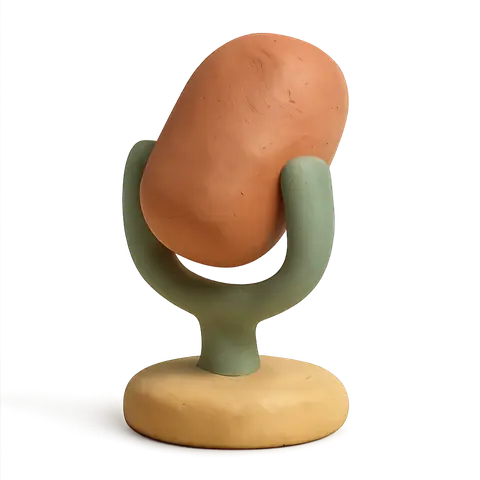
A small clay desk microphone on a round base, tilted up.

Browser

Real-time voice in any modern browser. Nothing to install — allow the mic and talk.

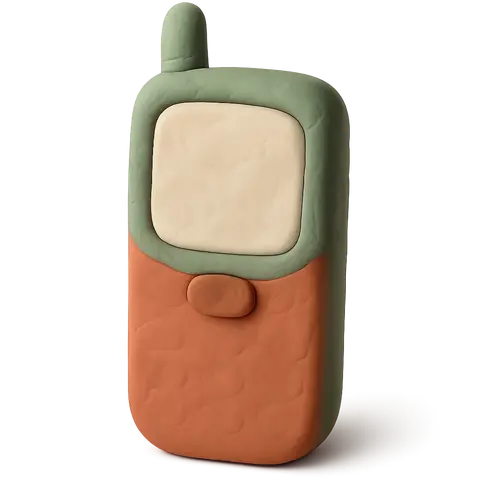
A clay mobile phone with a blank screen.

iPhone — on the App Store

A native app you can download today. It rings like a real call, reads your own calendar, plays your music, and keeps answering offline.

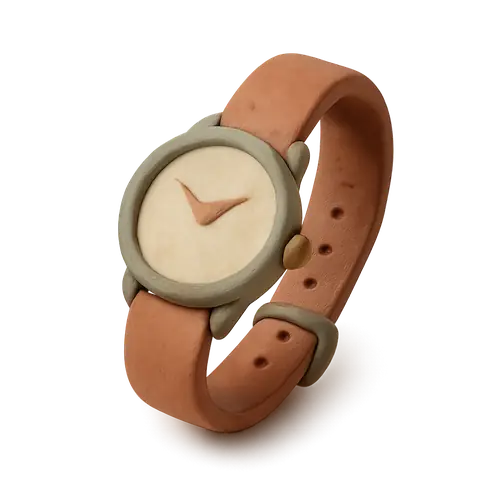
A clay wristwatch with a curled strap, its round face pointing up.

Apple Watch

Ask from your wrist, read the answer there, and drive your glasses from it.

A pair of chunky clay spectacles with thick rims, one lens faintly lit.

Smart glasses

A heads-up display with real screens: answers, email, notes, navigation, and a live transcript of the room.

voicer ships fast

The latest additions — live on the platform today.

🕶️

A full display in your glasses

Menus, answers, email, notes, walking directions and a live transcript of the room — on Even Realities G2 lenses, steered by voice or touchpad.

📱

An iPhone app that really rings

On the App Store now. Ask it to ring you and your phone rings properly. It reads your own calendar, adds reminders, plays your music, and keeps working offline.

💬

Live: chat meets call

Type with your panel first — the moment you start talking, the call picks up the same conversation. Every chat is saved and resumable.

📊

It does the actual arithmetic

Real statistics on your spreadsheets, live market data and SEC filings, and thousand-run simulations over a retirement plan.

✏️

Edit apps by voice

Describe a change to any app you built and voicer applies it — and verifies the edit actually landed before telling you it's done.

🧭

Ask "can you do X?"

voicer checks everything it can do — built-in tools and your own apps — gives you a straight answer, and offers to build whatever's missing.

🔁

Talking docs, passed along

Send a document as a voice link people can question out loud — and recipients can re-share it, context intact.

🌙

It improves itself nightly

The platform finds its own rough edges, ships tested fixes on a hard budget — and texts you for approval first.

🔒

Approved accounts only

Registration is open, access isn't. An administrator has to accept an account, and that check now runs on every request — not just at sign-in.

Speech in, expertise out

1

You speak

Your words are streamed to text the instant you talk.

2

The panel reasons

A router picks the right expert; your chosen AI model reasons over your docs and the web.

3

It answers aloud

The reply is voiced in real time — natural, low-latency speech.

Drop voicer into your workflow

It's a hosted service — once an administrator approves your people, the whole team is talking to its knowledge in minutes. Nothing to install, run, or maintain.

  • Up and running in minutes
  • Transcripts saved automatically
  • Guests can join with no account

Experts you fully control

Create experts from a simple description or live as you talk. Give each one its expertise, voice, pace, the AI model behind it, and how eagerly it jumps in.

  • A different AI model per expert
  • Tune live or save defaults anytime
  • Export & publish your panels

Build a digital twin — of you or anyone

Teach a Twin from pasted text, an uploaded file, or just a URL. Give it a cloned voice, seat it on a panel, or match two Twins against each other.

Four clay figures standing together.
📎

Learn from anything

Paste text, upload a CV, PDF, deck or recording — or just drop in a URL. voicer builds the Twin's profile from it.

🗣️

A voice that's really theirs

Pick a voice or clone a new one by recording or uploading a sample, then preview it before it ever speaks.

🤝

Twin-to-twin matching

Propose and pair two Twins automatically — useful for practice conversations, mock interviews, or exploring a match.

Don't just share a document — share an experience

A clay post box with a letter halfway into the slot.

You read something worth passing on. Instead of sending a wall of text and hoping they read it, send a link they can talk to. Your circle asks, skips, and digs in by voice — and walks away with what mattered.

Every call becomes a link worth reliving

Finish a panel call and mint a link straight from its detail view. Anyone you send it to can replay it podcast-style — and tap the mic mid-playback to ask their own question, live.

🔗

One link, no login

Share a link from any finished call. Guests open it straight in a browser — no account, no download.

⏯️

Scrub, skip, follow along

Replay podcast-style with a synced transcript — scrub the timeline or jump straight to any turn.

🎙️

Tap in and ask your own

Tap the mic mid-replay to fork a private live session, seeded with everything up to that point — the original recording and other viewers are untouched.

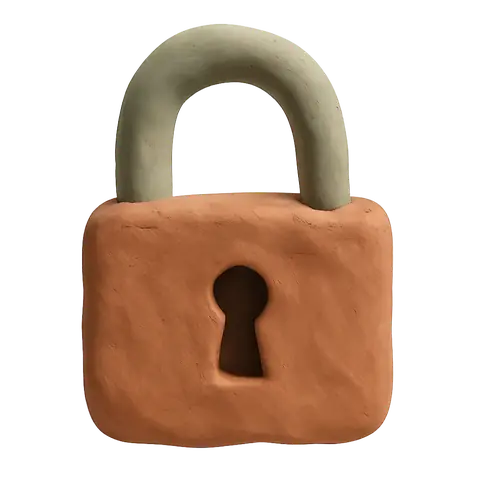
A chunky clay padlock, slightly open.

Your wisdom stays yours

Your conversations and documents are never used to train AI models. They stay isolated to your own workspace, and you can export or delete them anytime — so the knowledge you capture is a private asset, not training data for someone else.

🚫

Never trains models

Your voice, documents and transcripts are not harvested to train foundation models — full stop.

🔒

Isolated workspace

Everything you capture stays in your own private workspace — not shared, not mined.

📤

You're in control

Delete your account, and everything in it, from the app whenever you want. How we handle it.

👥

Your circle only

You decide who gets a link and who's in the room. Wisdom shared on your terms.

Need everything on your own infrastructure? Self-hosting is available on the Enterprise plan.

Ready to hear it think?

Register, get approved, then open a browser, allow the mic, and meet your panel. No download, no dial-in.

New accounts wait in an approval queue until an administrator accepts them.